Free Chrome extension
Post Engagers: every like and comment, with the email
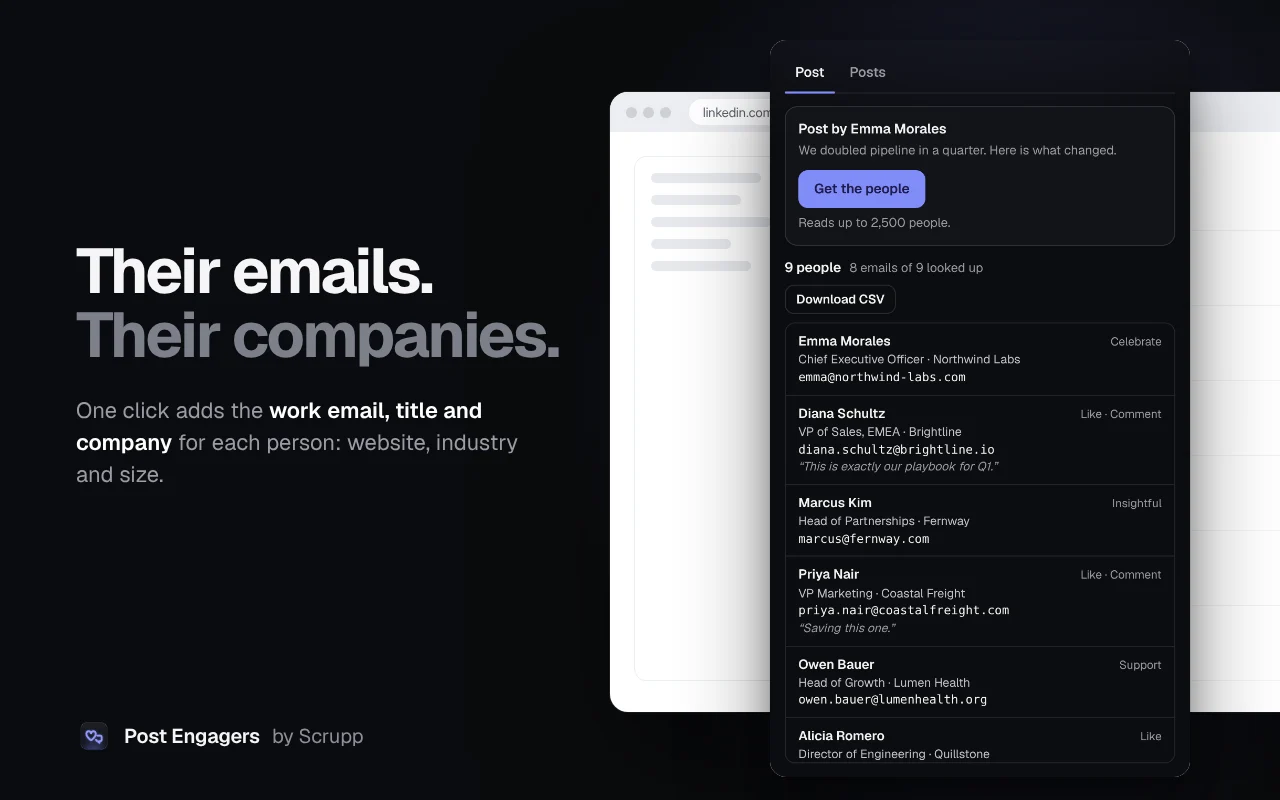
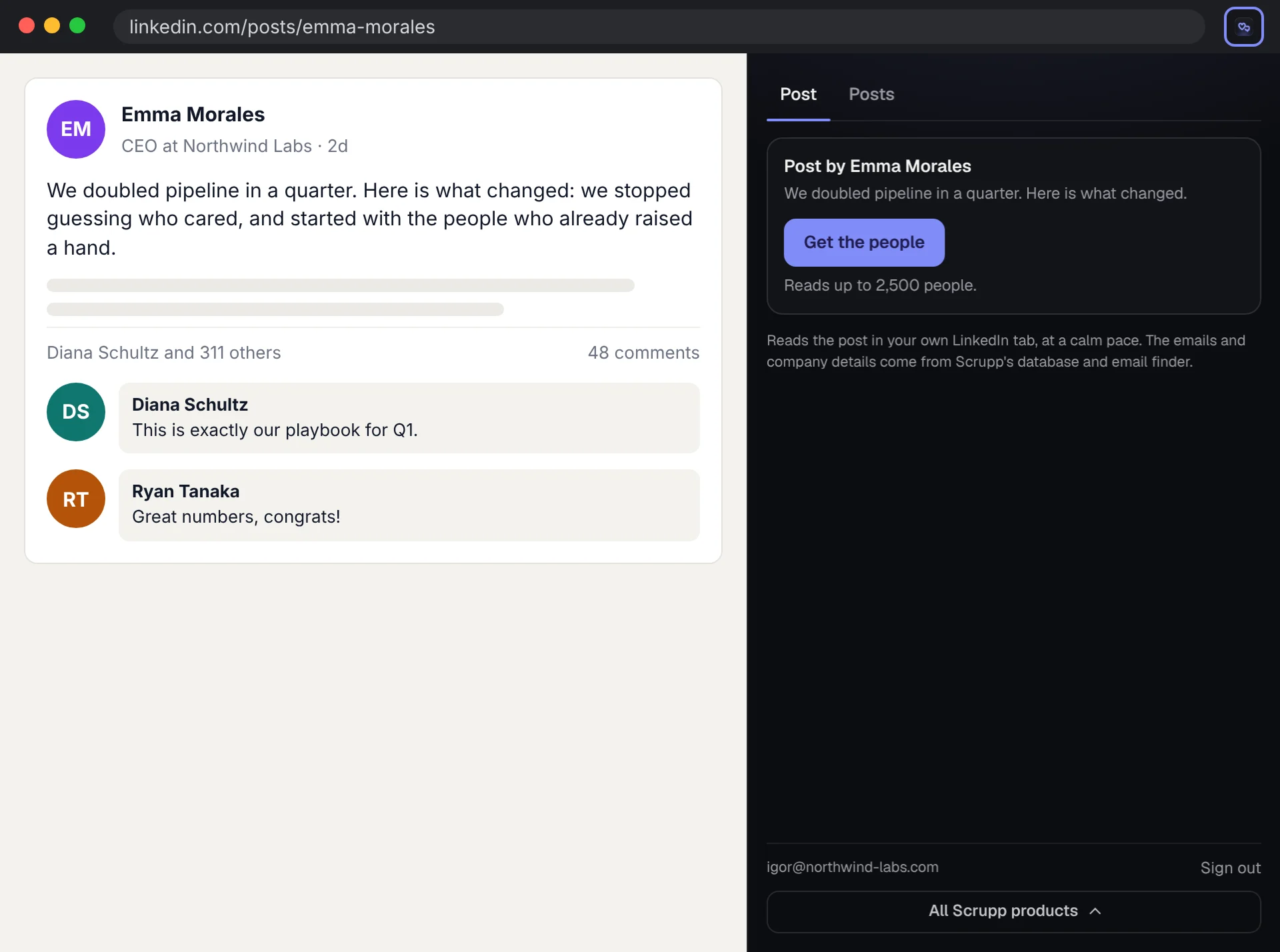
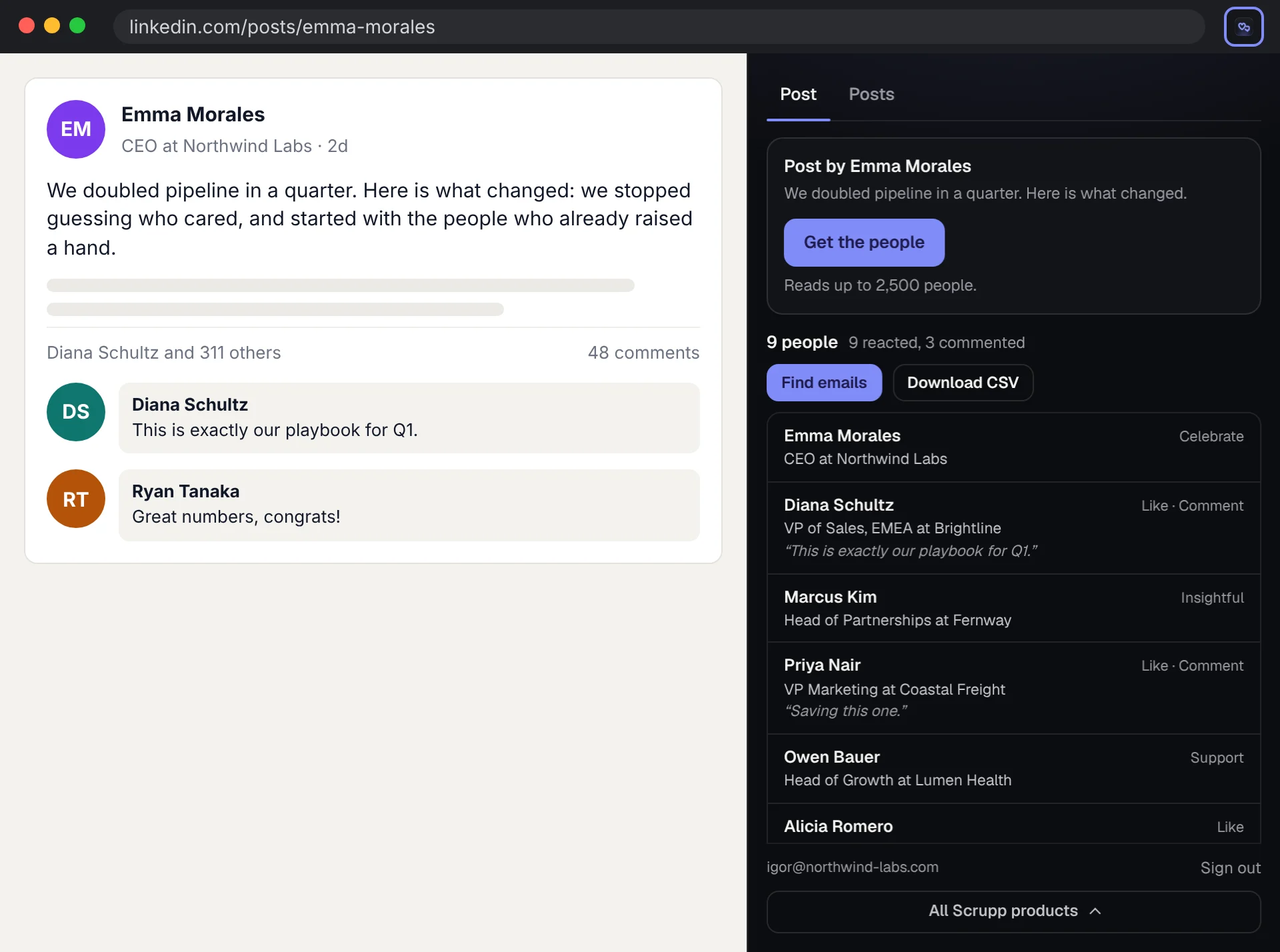
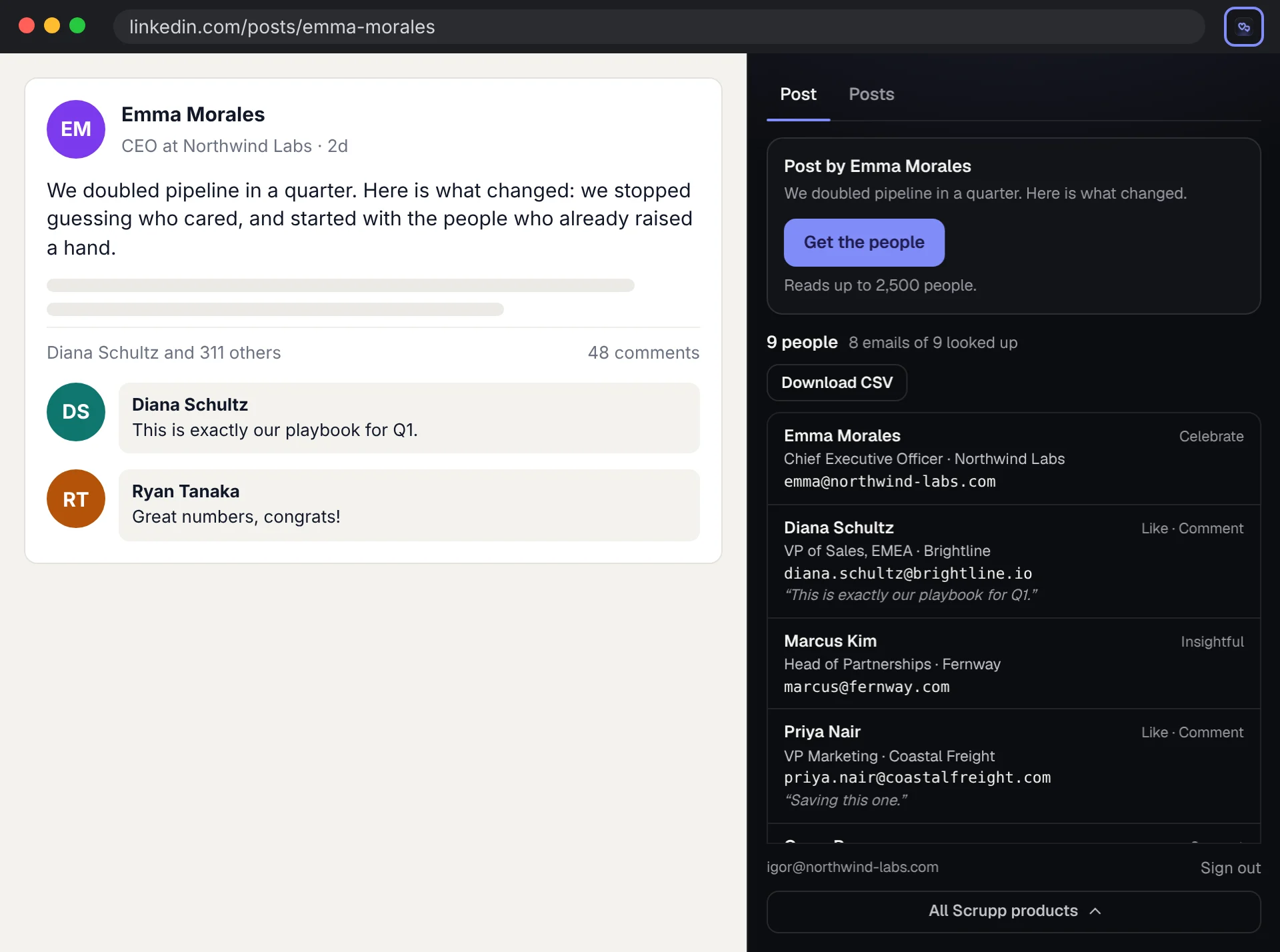
Open a LinkedIn post and get everyone who reacted or commented. One click adds their work email, title and company, and the whole list downloads as CSV.
Post Engagers is on its way to the Chrome Web Store. The install button appears here as soon as it is published.
How it works
From a post to a lead list
Why people pick it
Built for the things other tools get wrong
- 100 people per post and the CSV on the free plan, not a 10-row preview.
- Runs in your own LinkedIn session in your browser. No cloud robots logging in as you.
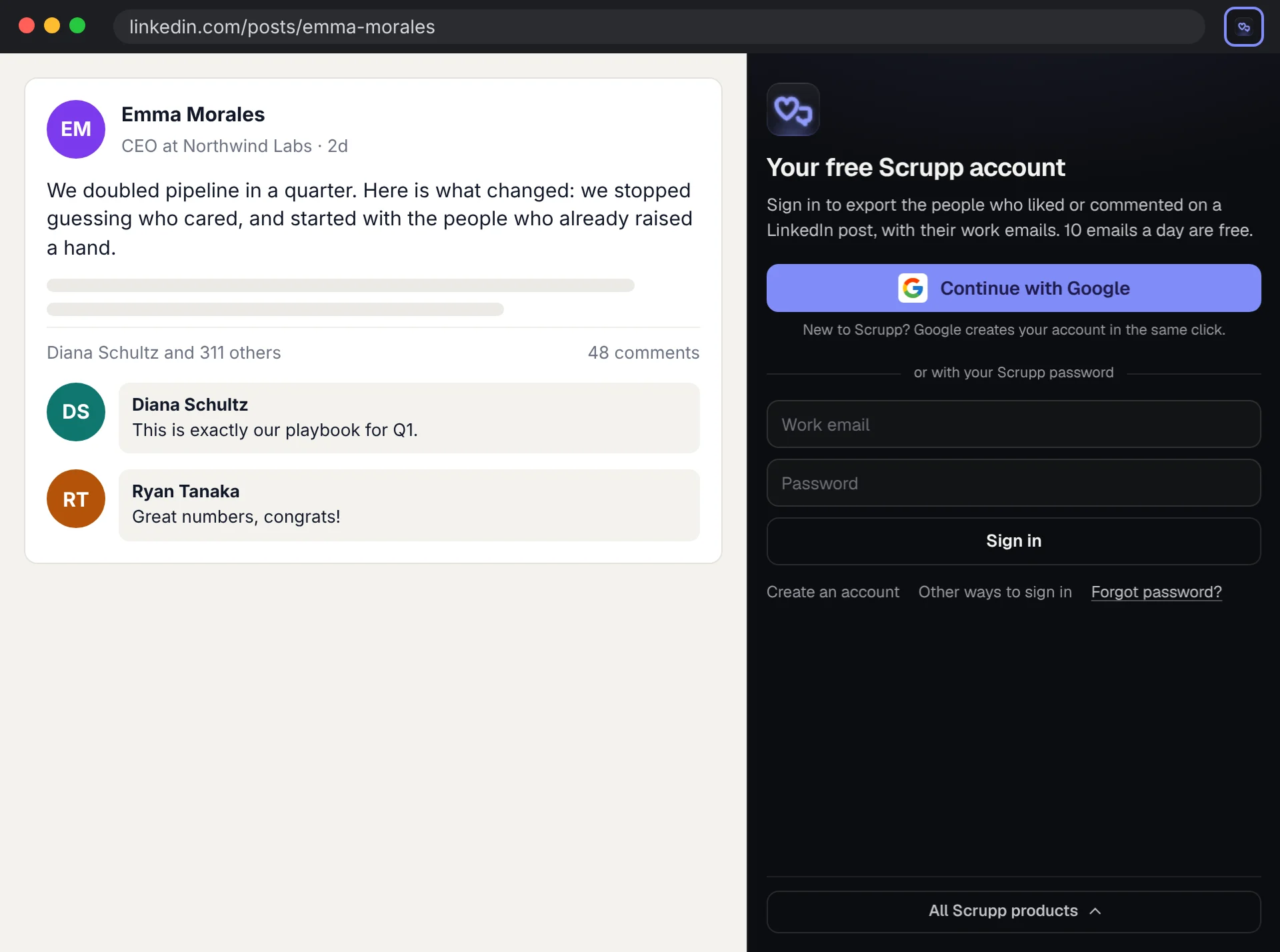
- Work emails and company details for the people who engaged: 10 a day free.
Free, and Pro when you need more
Pro is bought in the extension's side panel and paid by card through Stripe. No credits.
Free
$0
- The first 100 people of every post
- 10 work emails a day with the title and company, with a free Scrupp account
- CSV export
Post Engagers Pro
$29 a month
or $261 a year
- Unlimited people and emails ?
- One fixed price, no credits
All Apps Pro
$49 a month
or $441 a year
- Unlimited use in every app ?
- Pro in every Scrupp extension: Company Lookup, Email Extractor, Email Tracker, Email Verifier, Save to CRM, Post Engagers, Tech Stack Lookup, Hiring Signals, Meeting Prep and Phone Finder
- One subscription for all of them
The next step
Found the right people? Find the rest of their team.
Scrupp finds the other decision-makers at their companies, with work emails checked before you download them.
FAQ
Questions about Post Engagers
Whose LinkedIn account does it use? ▾
Yours. It reads the post in your own LinkedIn tab, the way you would scroll through the reactions yourself, one page at a time at a calm pace. It never likes, comments or messages anyone.
What do I get for each person? ▾
Their name, headline and LinkedIn URL, how they engaged (the reaction and the comment), and after Find emails their work email, current title, company, website, industry and size, when Scrupp finds them.
How many people per post? ▾
The first 100 on a free Scrupp account, up to 2,500 with Post Engagers Pro. A person who both reacted and commented is listed once.
What is sent to Scrupp? ▾
Only when you press Find emails: the profile link, name and headline of each person, to look up their email and company. See the privacy policy.
Free extensions
More free Chrome extensions by Scrupp
Emails, phones and social profiles from any website and its contact pages.
The company behind any website: size, industry, email format and the people there.
Check whether an address exists before you send, from a side panel next to any page.
Every business in a Google Maps search with phone, website and address, as a CSV.
See who opened your Gmail email and clicked its links, and catch a bad address before you send.
Coming soon to the Chrome Web Store
Find the work emails of the people on the LinkedIn or Sales Navigator page you are viewing.
Coming soon to the Chrome Web Store
Type a recipient in Gmail and get personal first lines about their company, ready to insert.
Coming soon to the Chrome Web Store
A LinkedIn profile into Salesforce, HubSpot, Pipedrive or Google Sheets, with the work email and company details.
Coming soon to the Chrome Web Store
What any website runs on, by category, with the company behind it.
Coming soon to the Chrome Web Store
Who a company is hiring, for which teams, and who to talk to there, with emails.
Coming soon to the Chrome Web Store
A one-page brief on the person and the company before every call.
Coming soon to the Chrome Web Store
The direct phone of a LinkedIn profile, with the work email and company.
Coming soon to the Chrome Web Store
Found the right people? Find the rest of their team.
100 free credits every month · no credit card